
Visitors see what you offer and can contact you or submit an inquiry. This is an illustrative page, not a customer result.
A sales page that feels like yours.
Introduce yourself, your products, and how to reach you on one shareable page. STOS helps you build it, capture inquiries, and see what works.
Start with a working template. Make it yours in Studio.
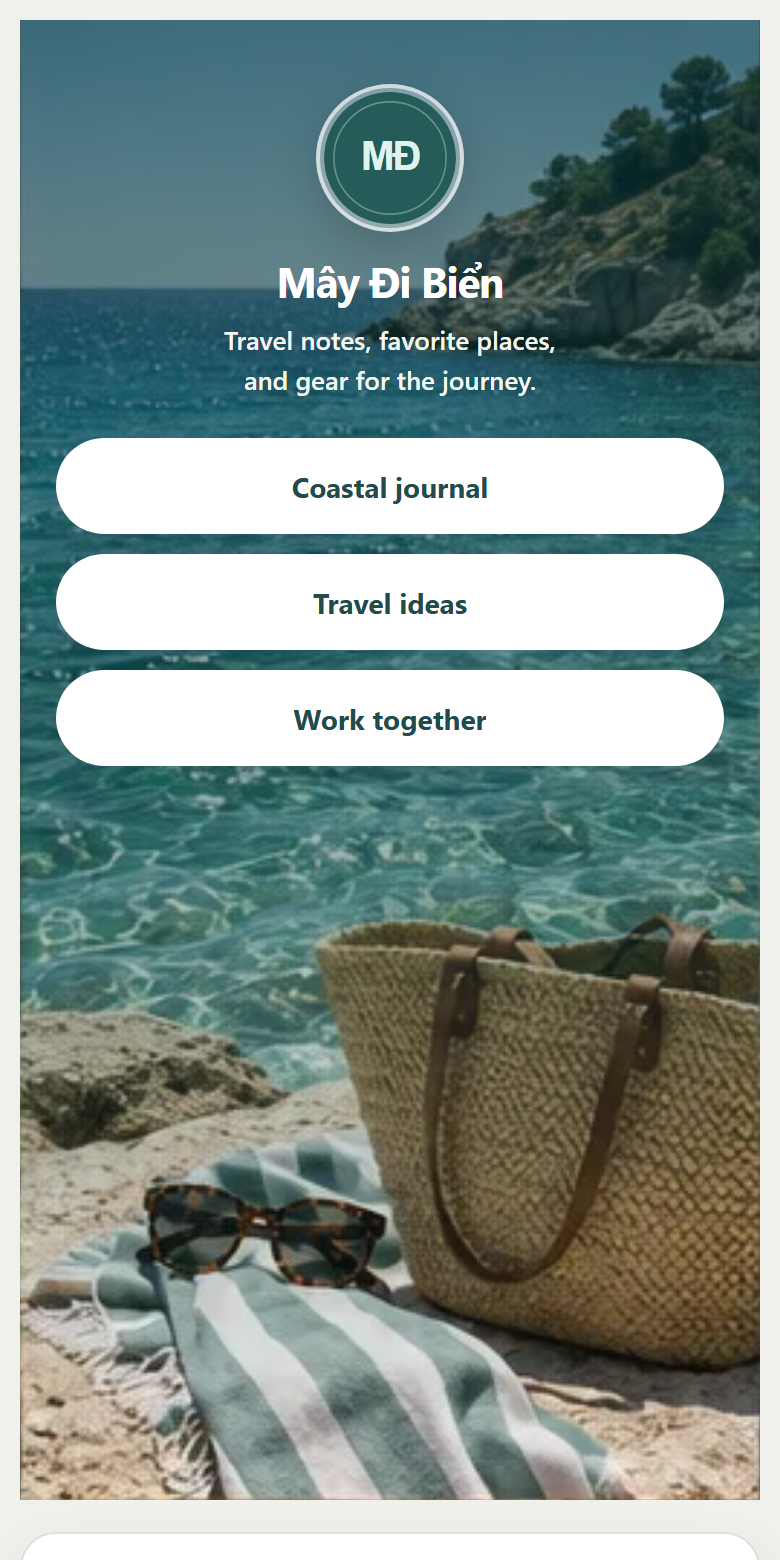
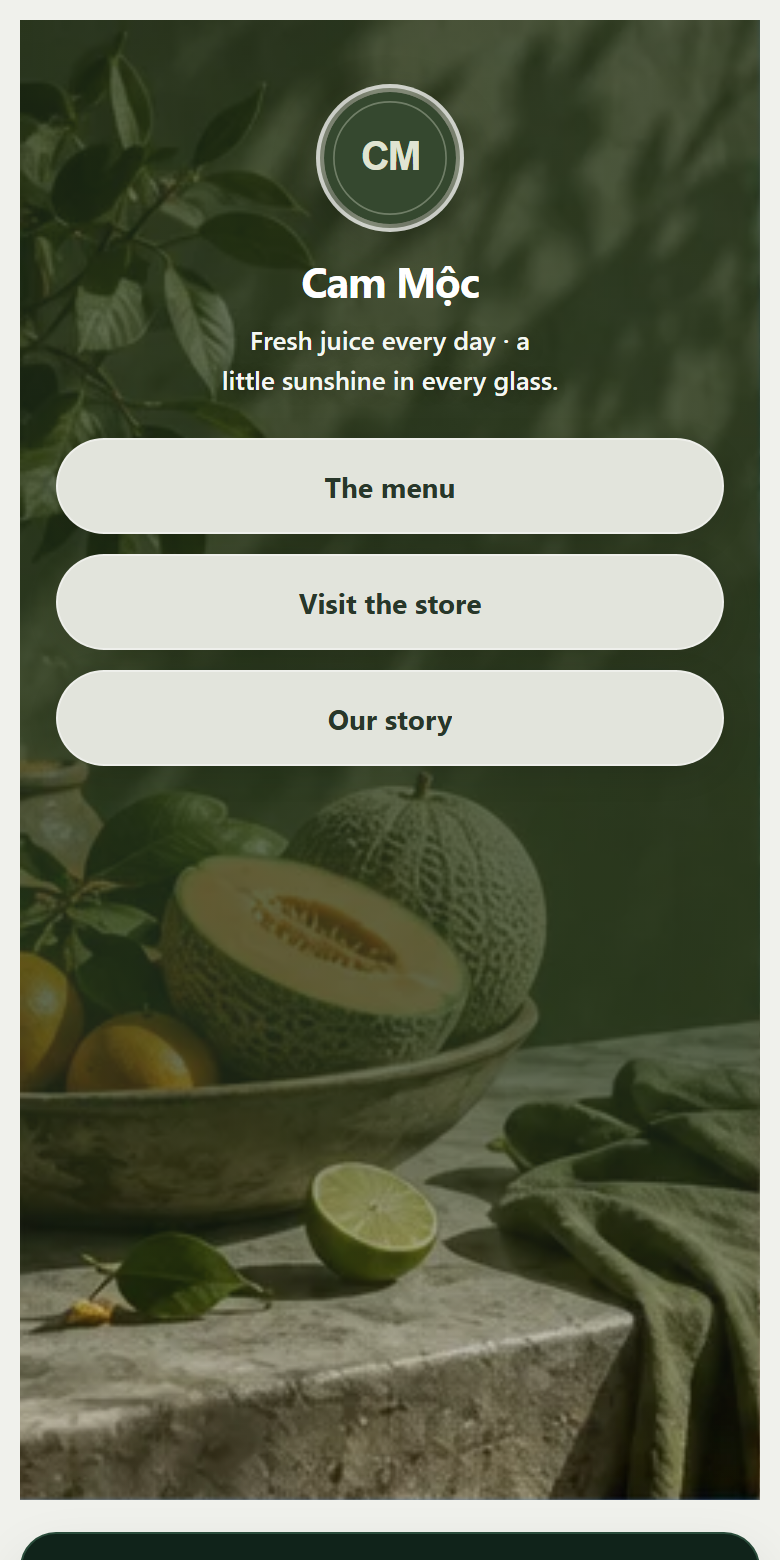
Every way of selling has its own story.
Illustrative template pages · not customer profiles or testimonials.
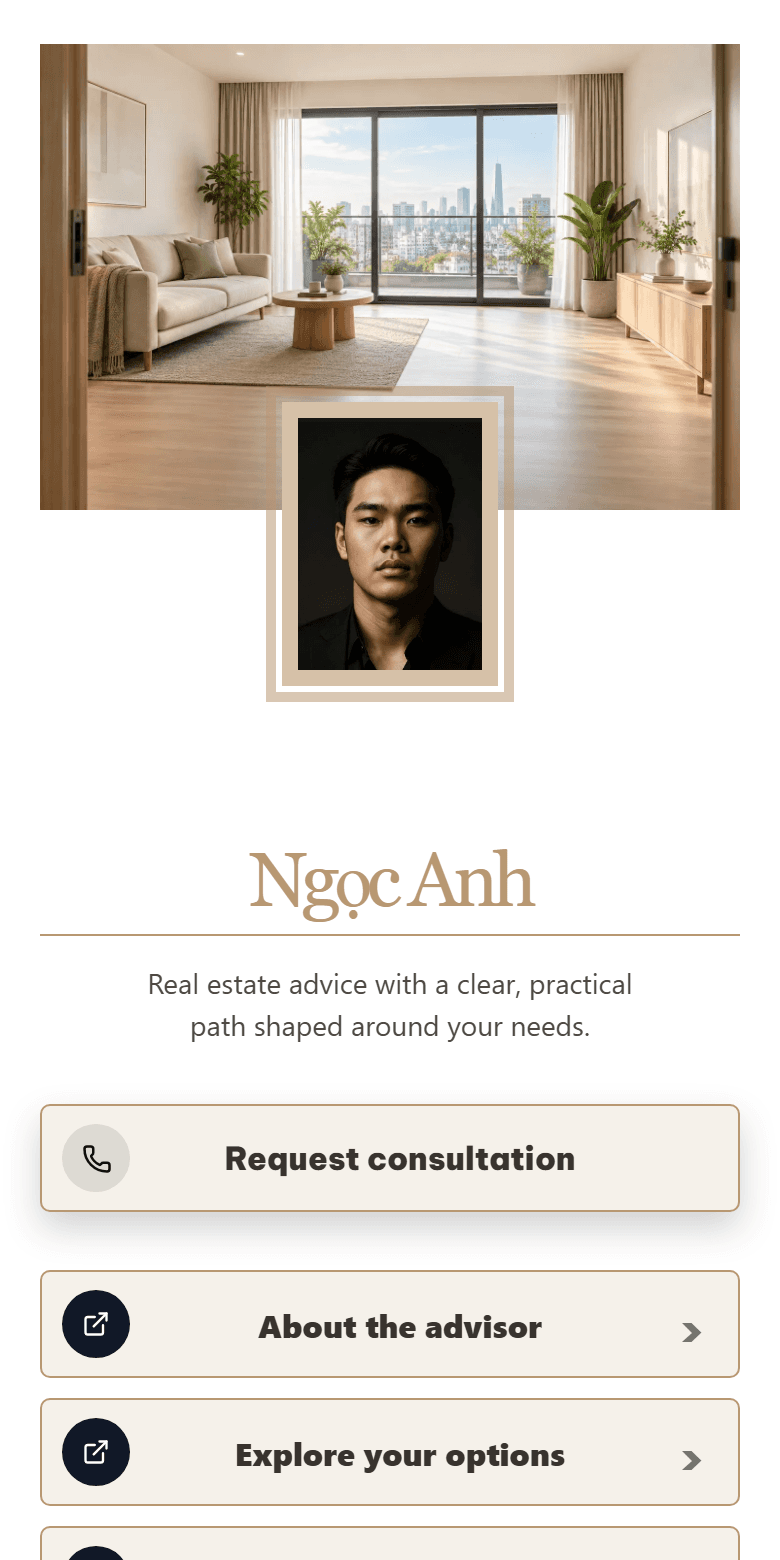

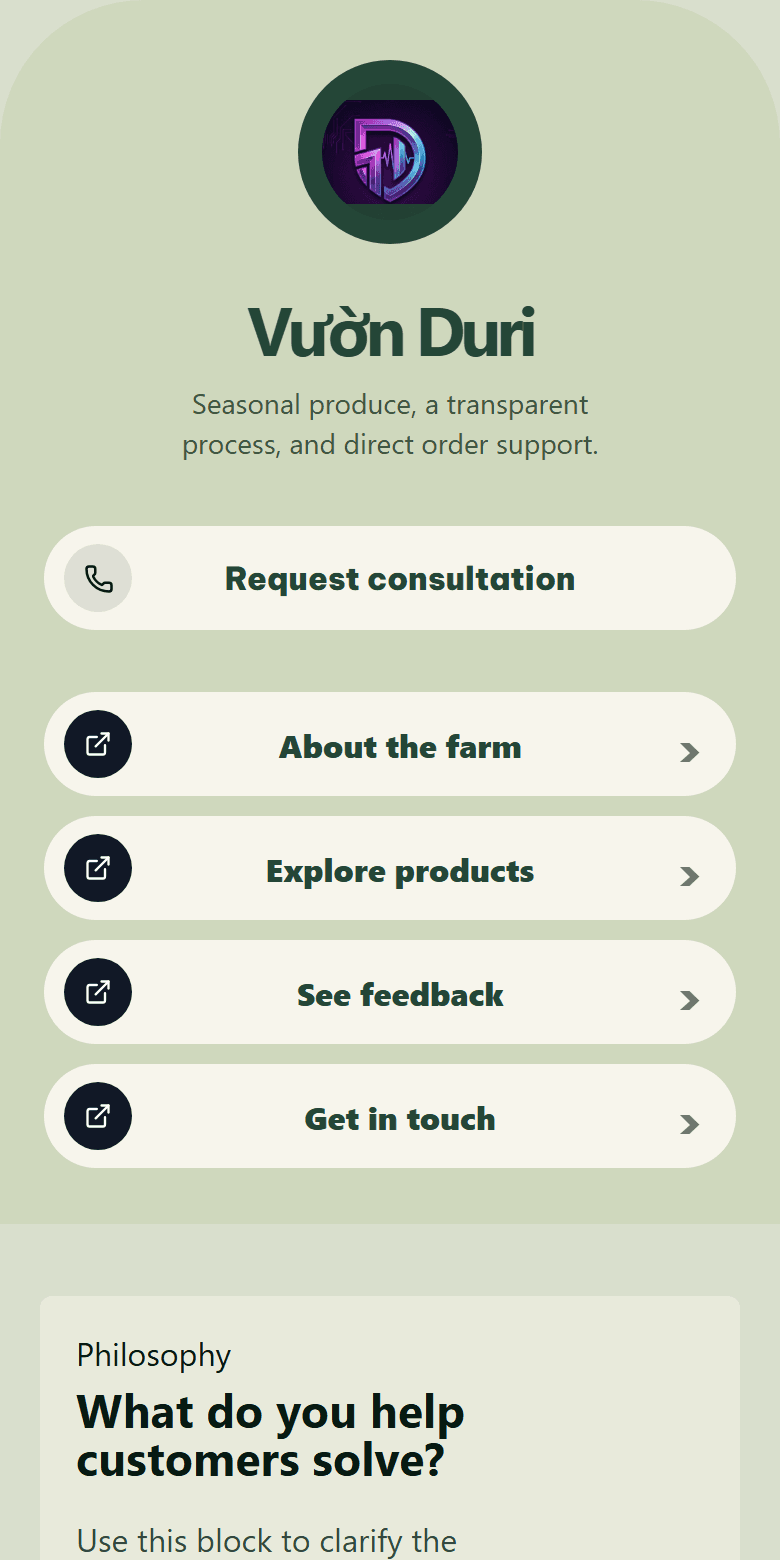

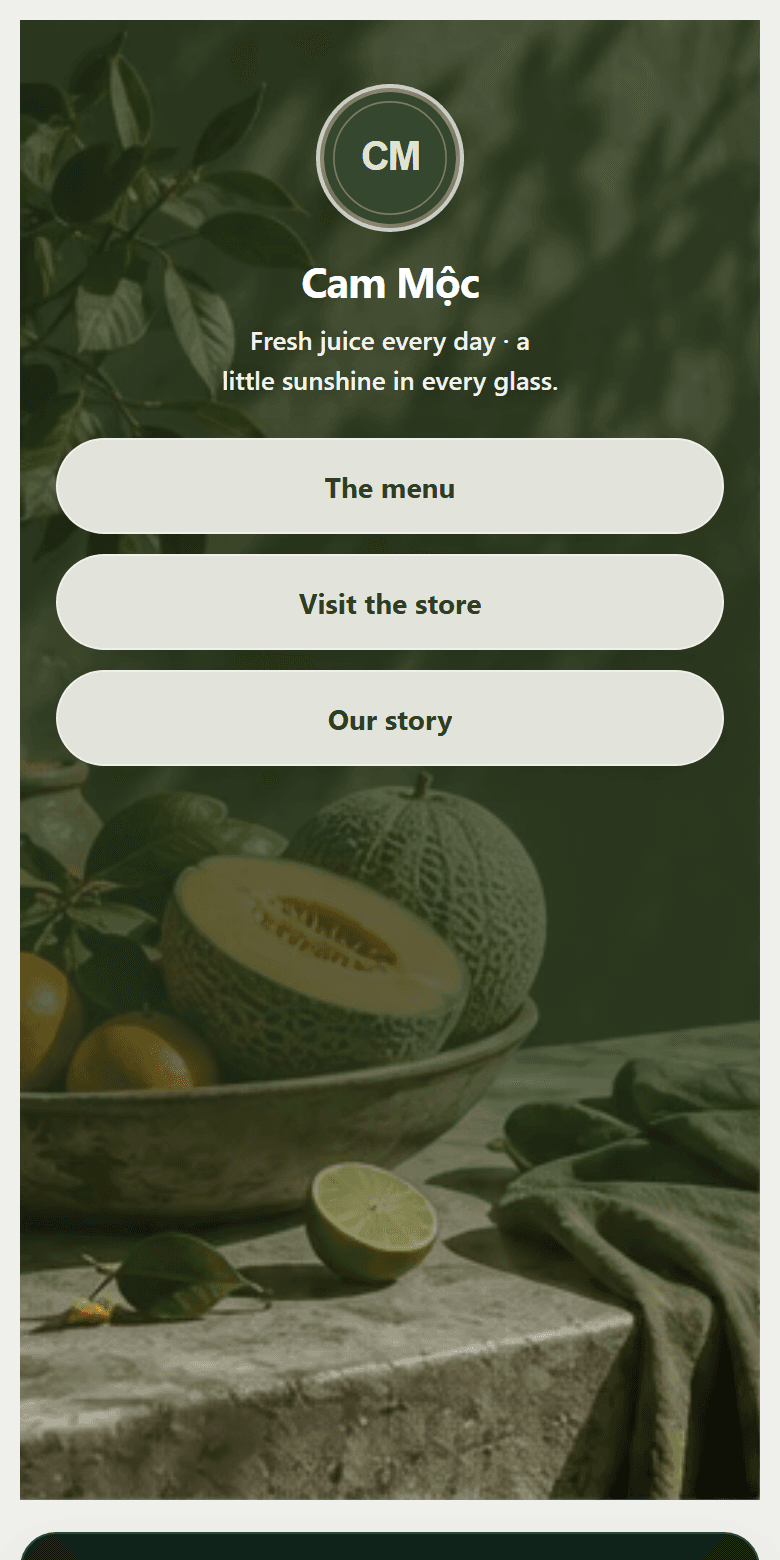
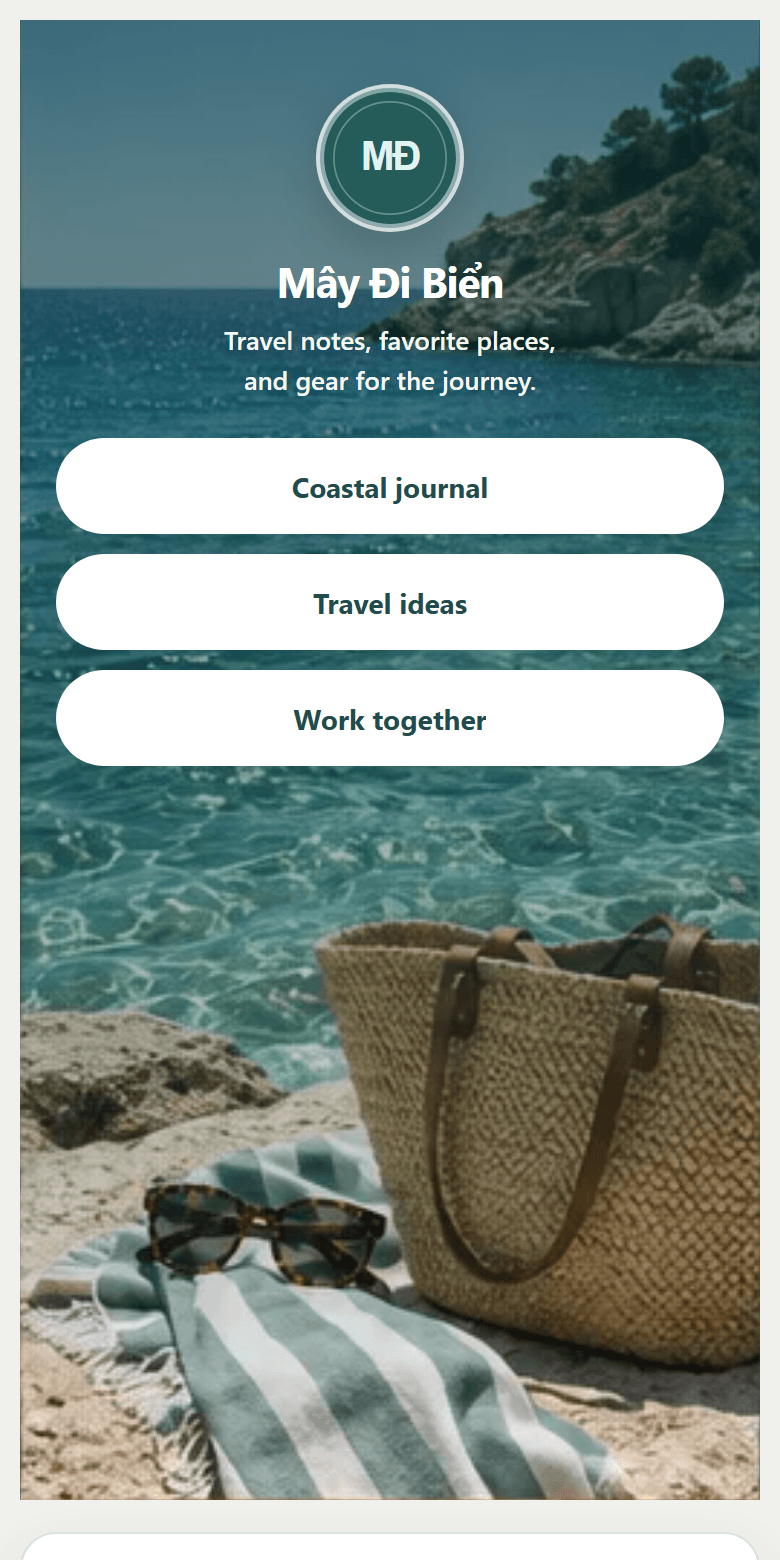
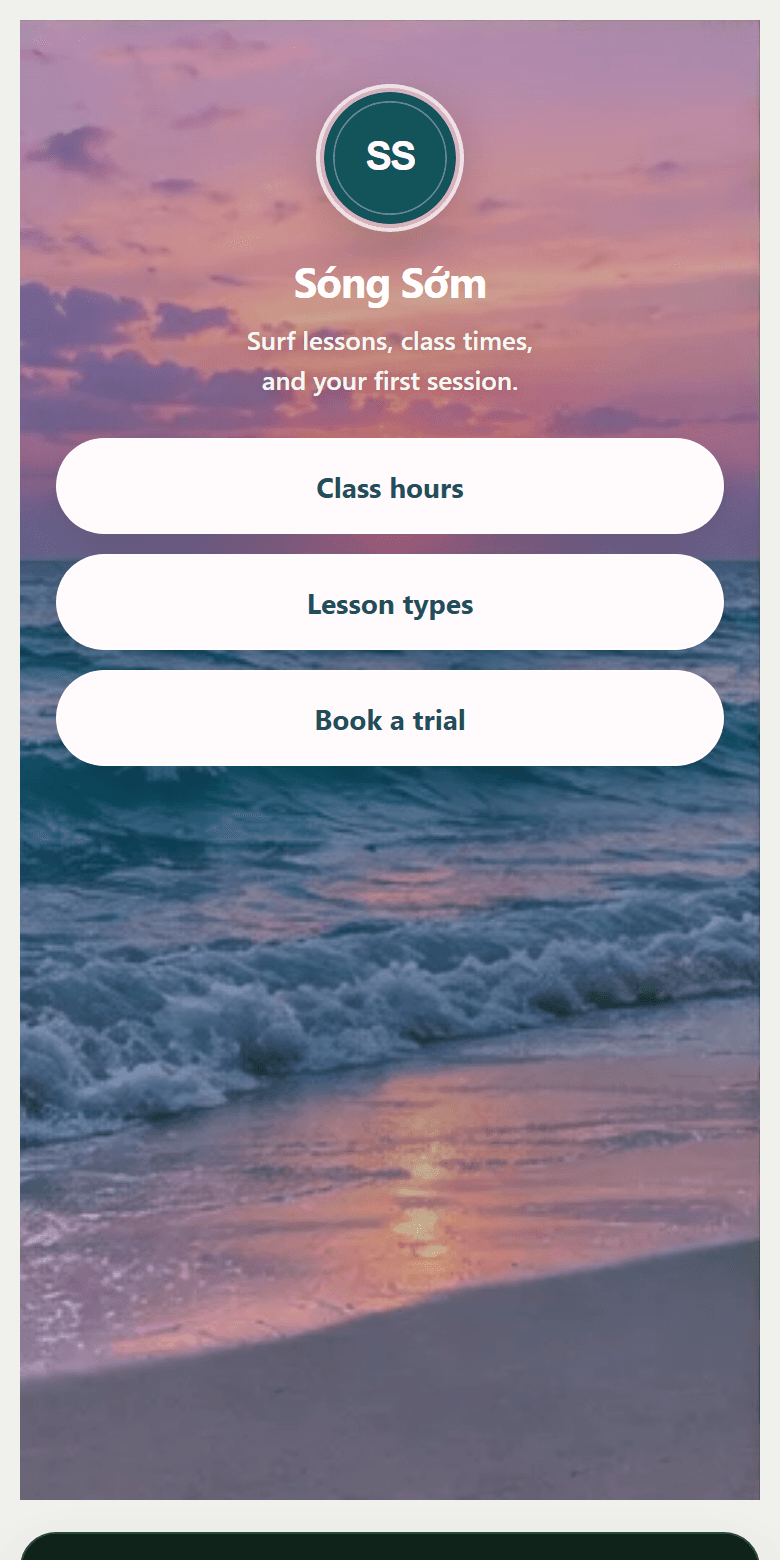

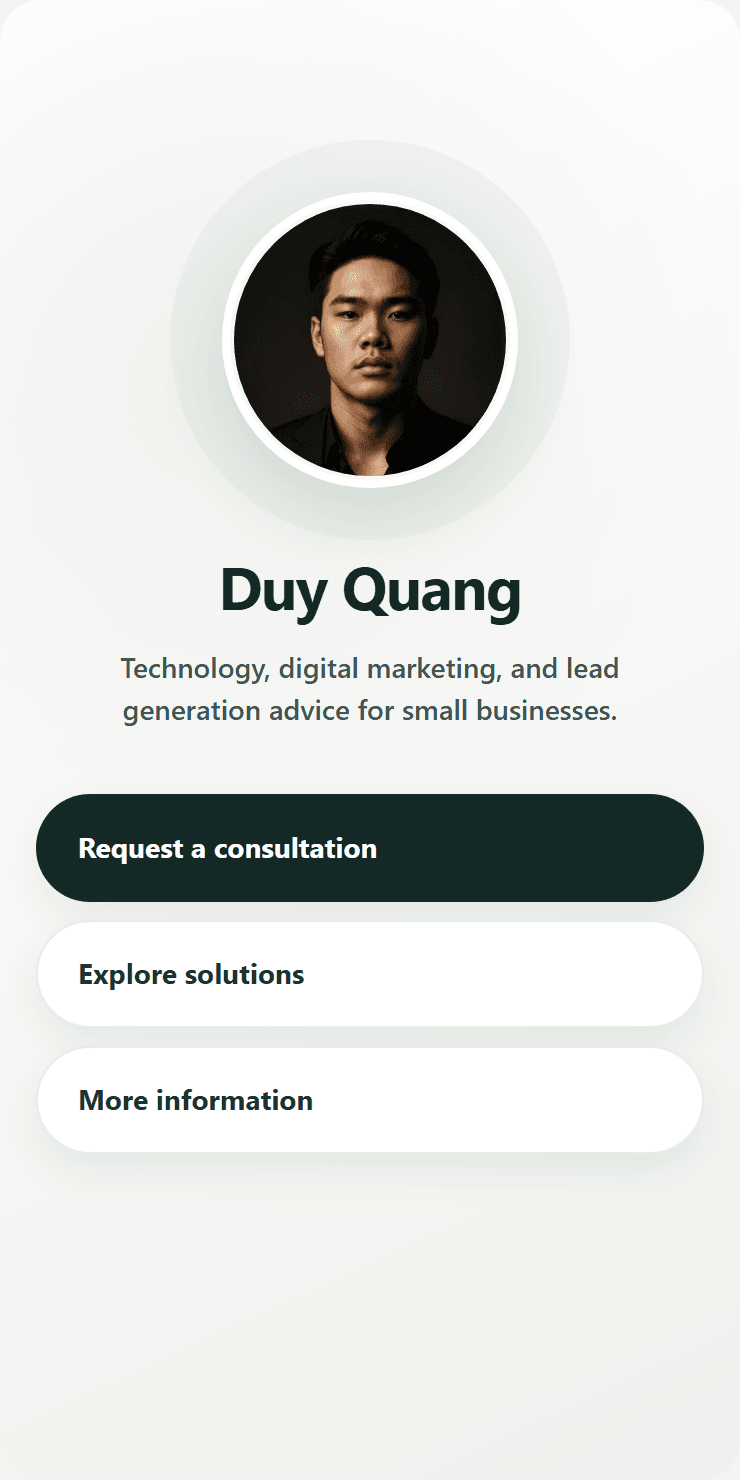
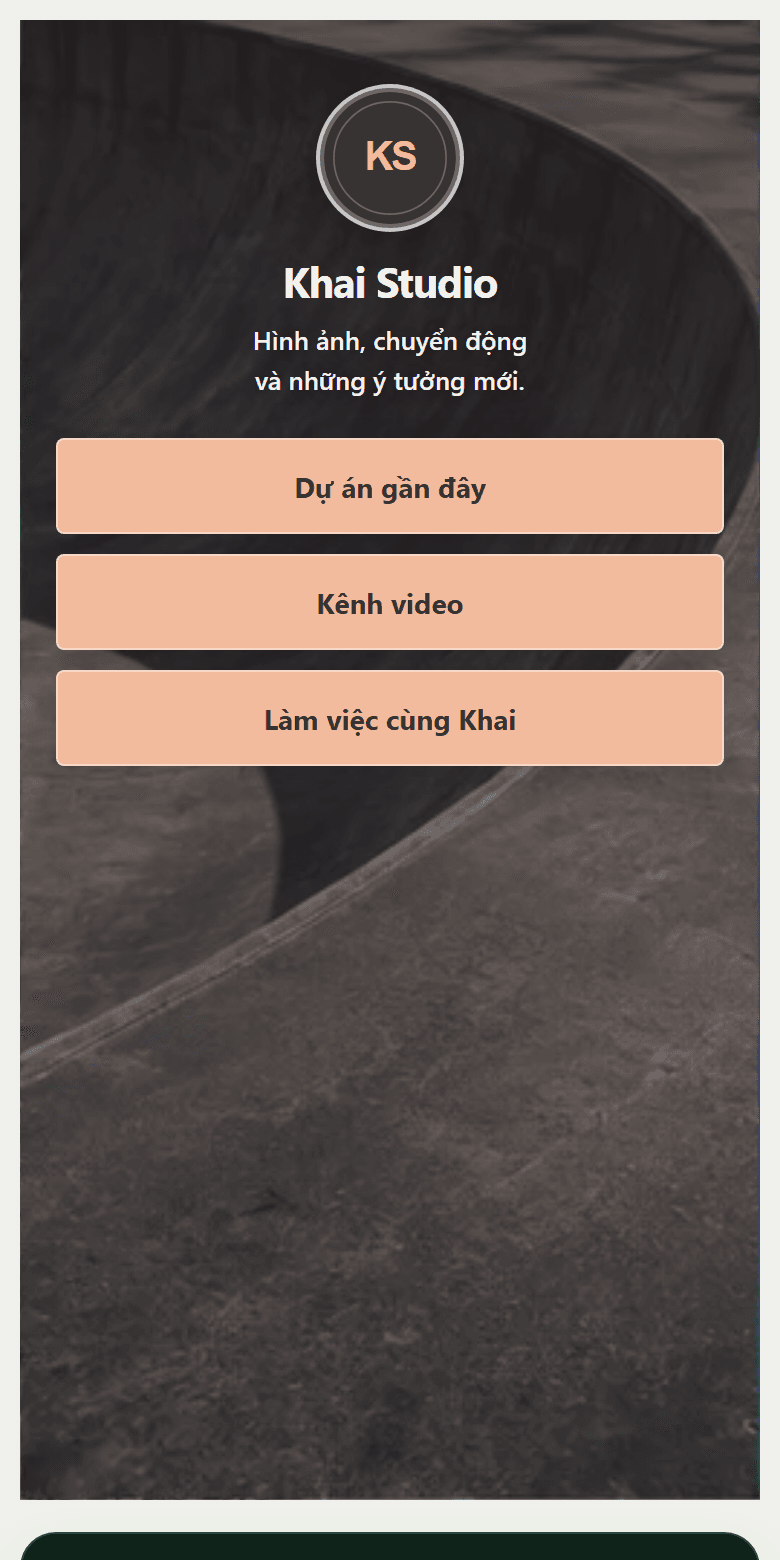
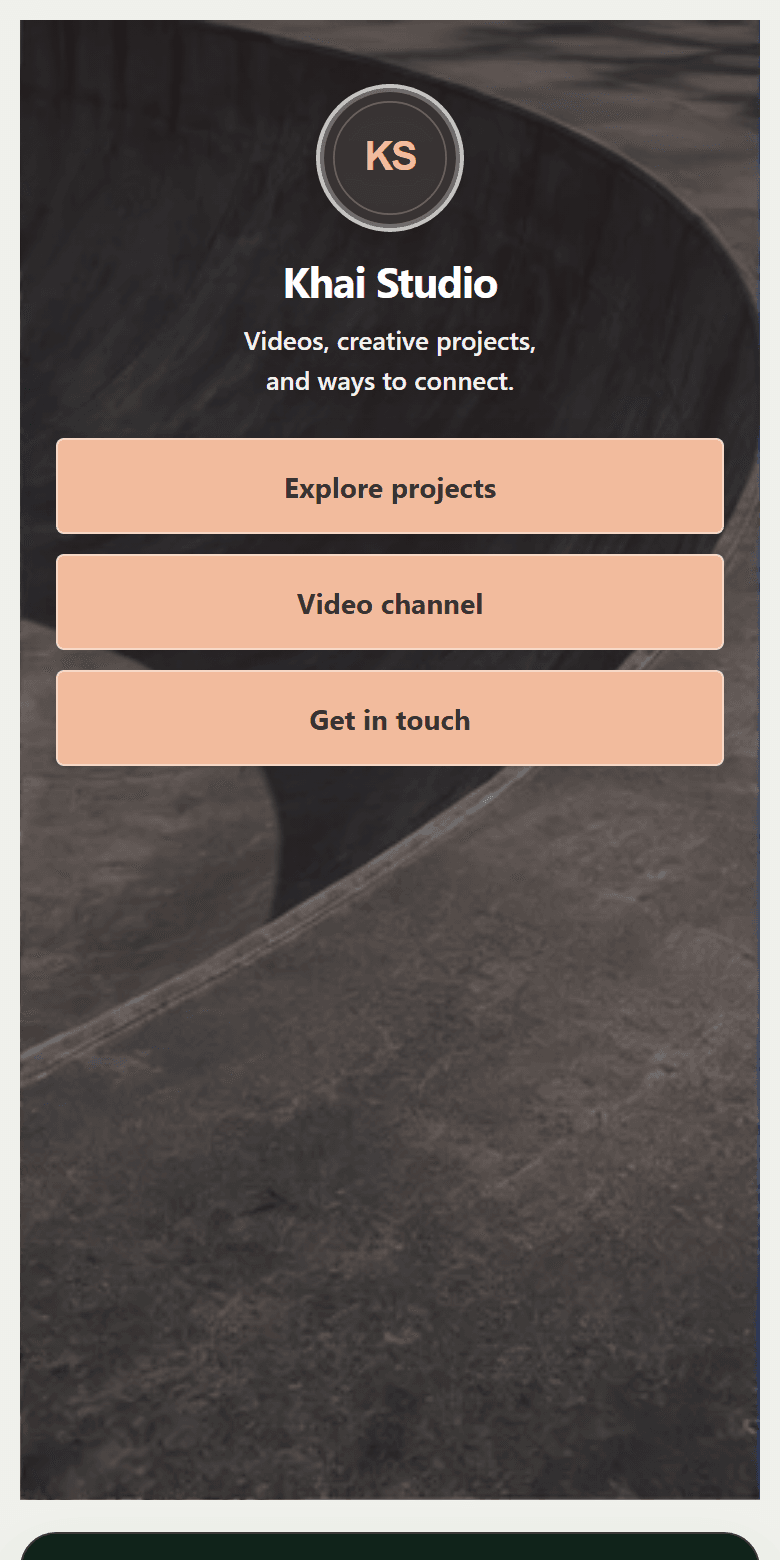
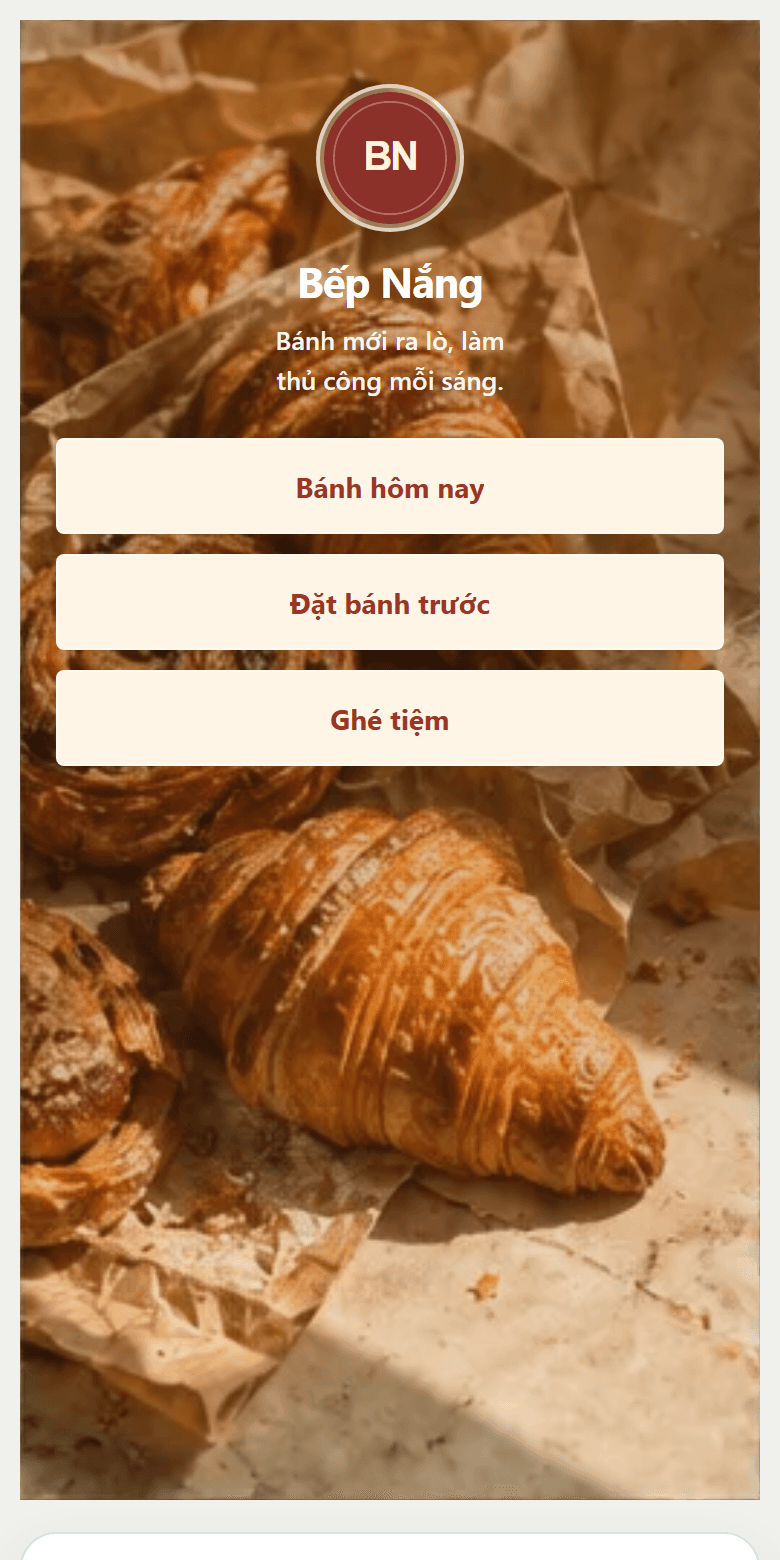
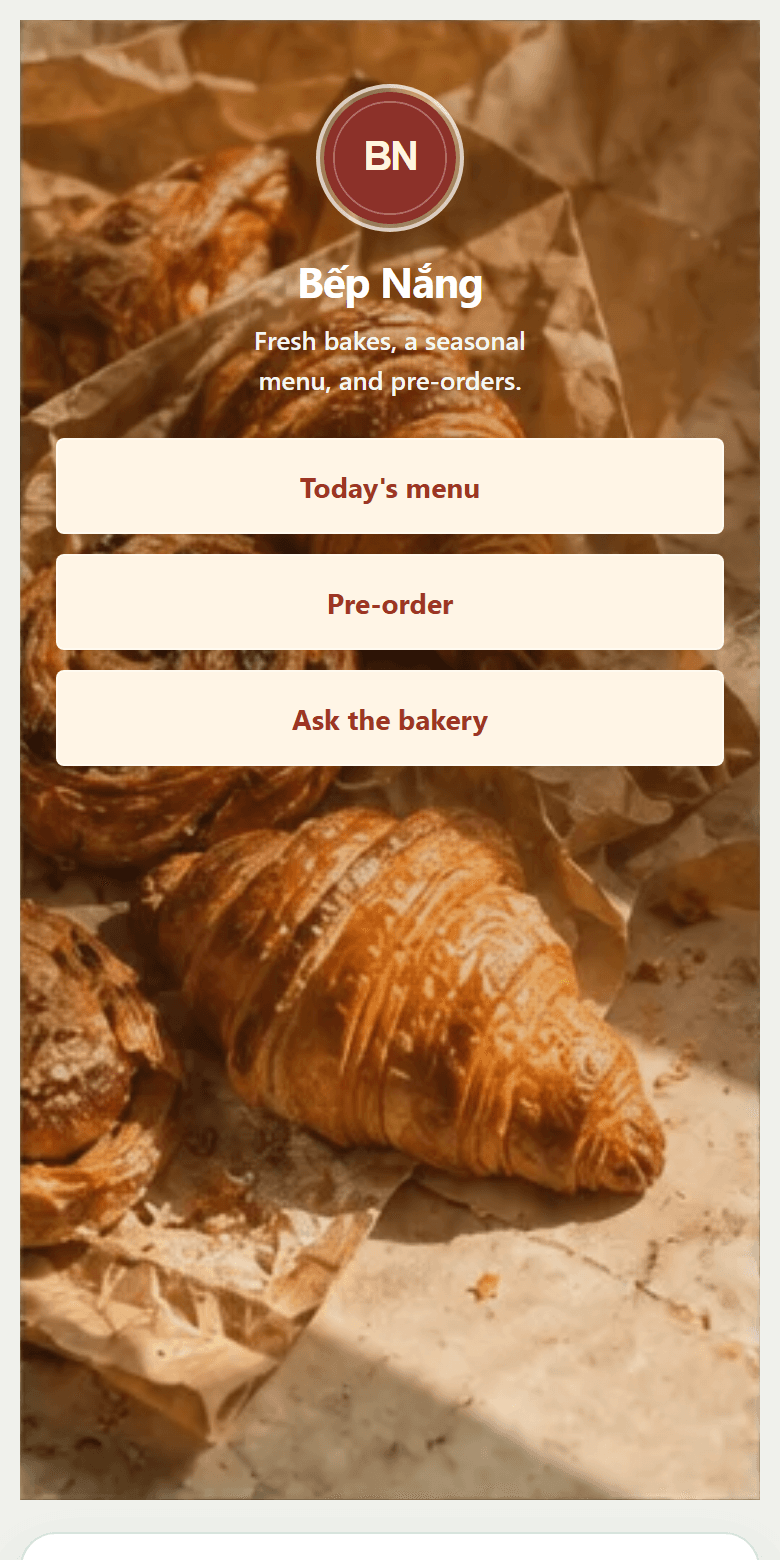
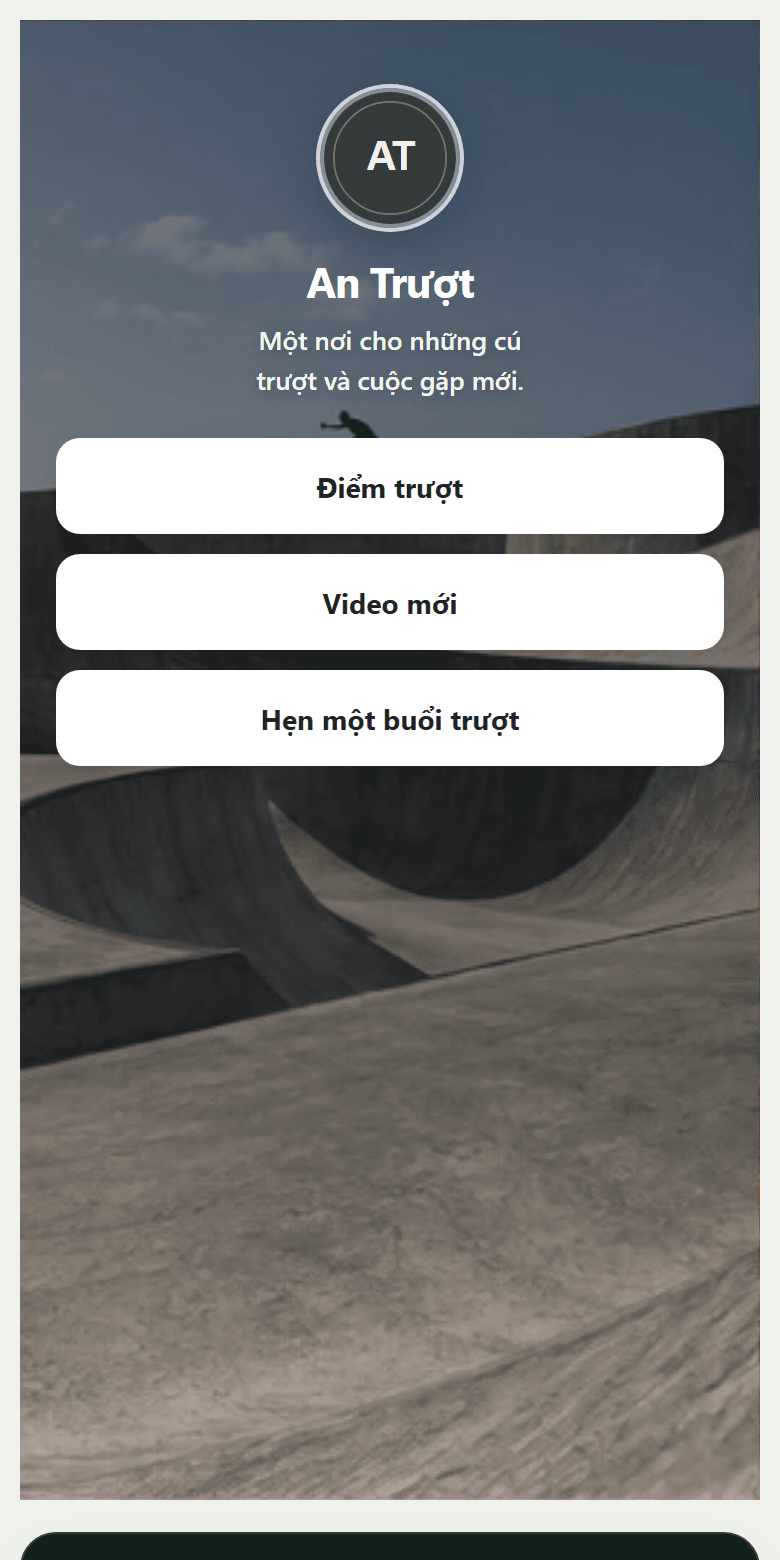
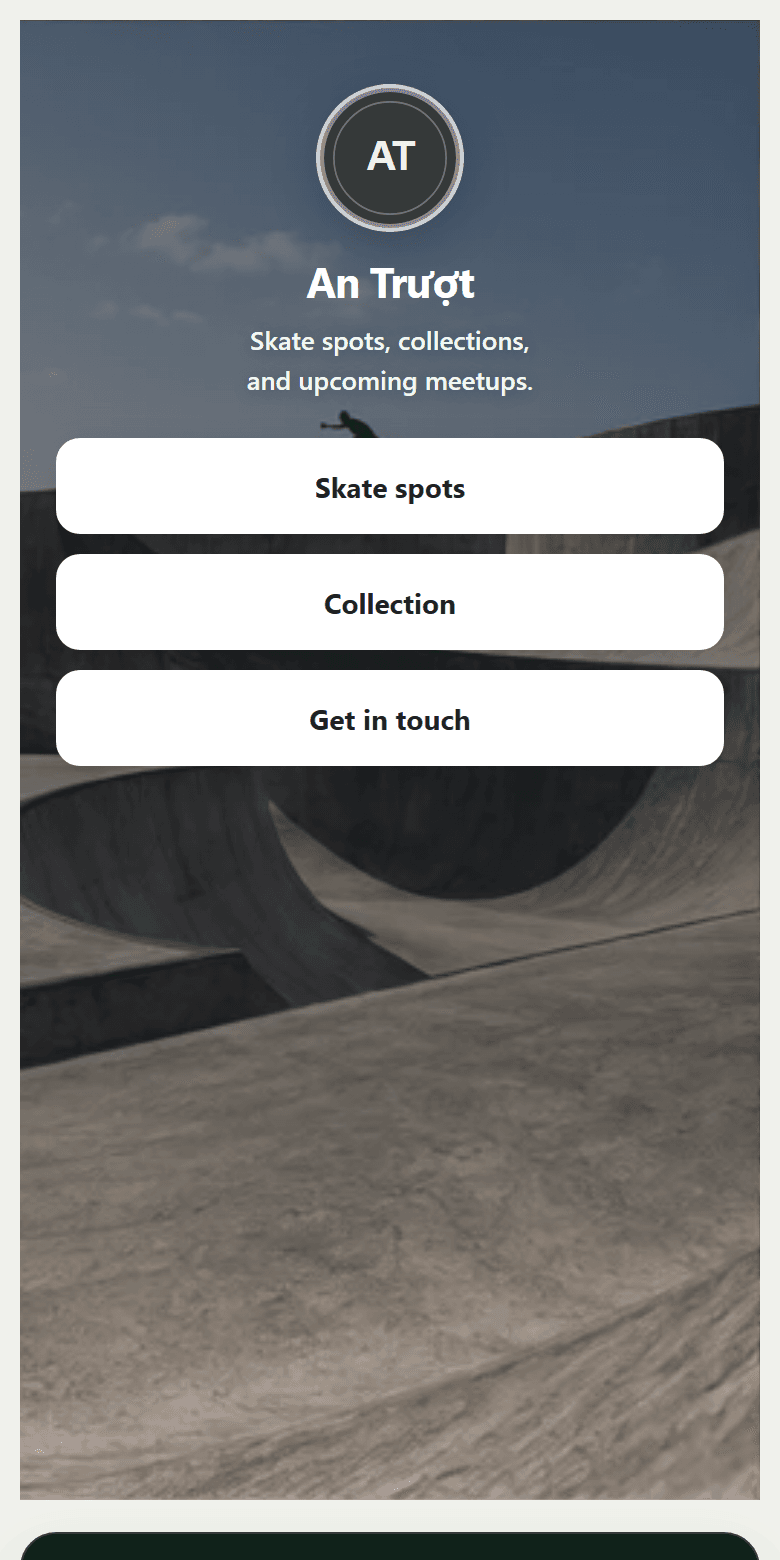
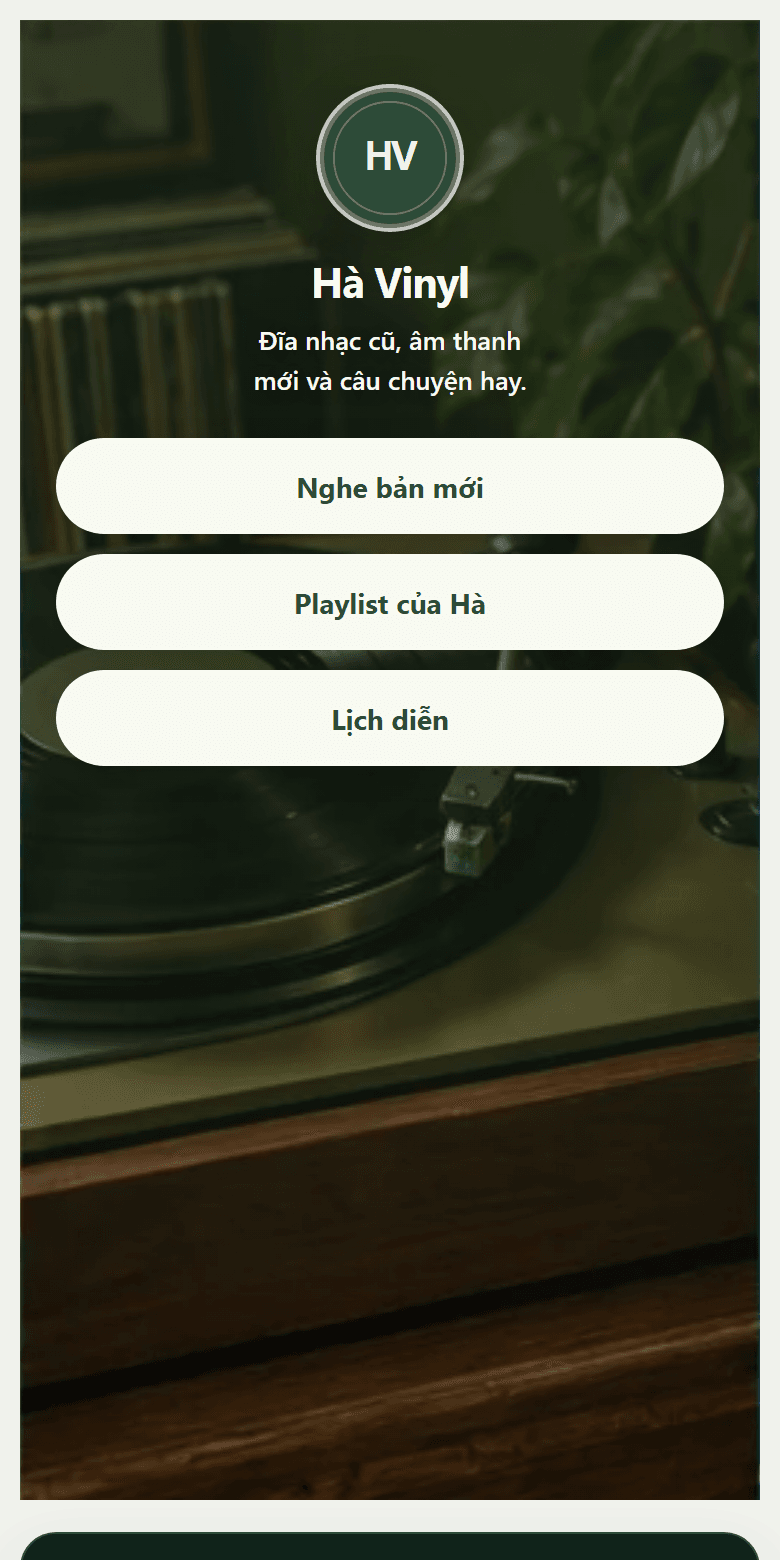
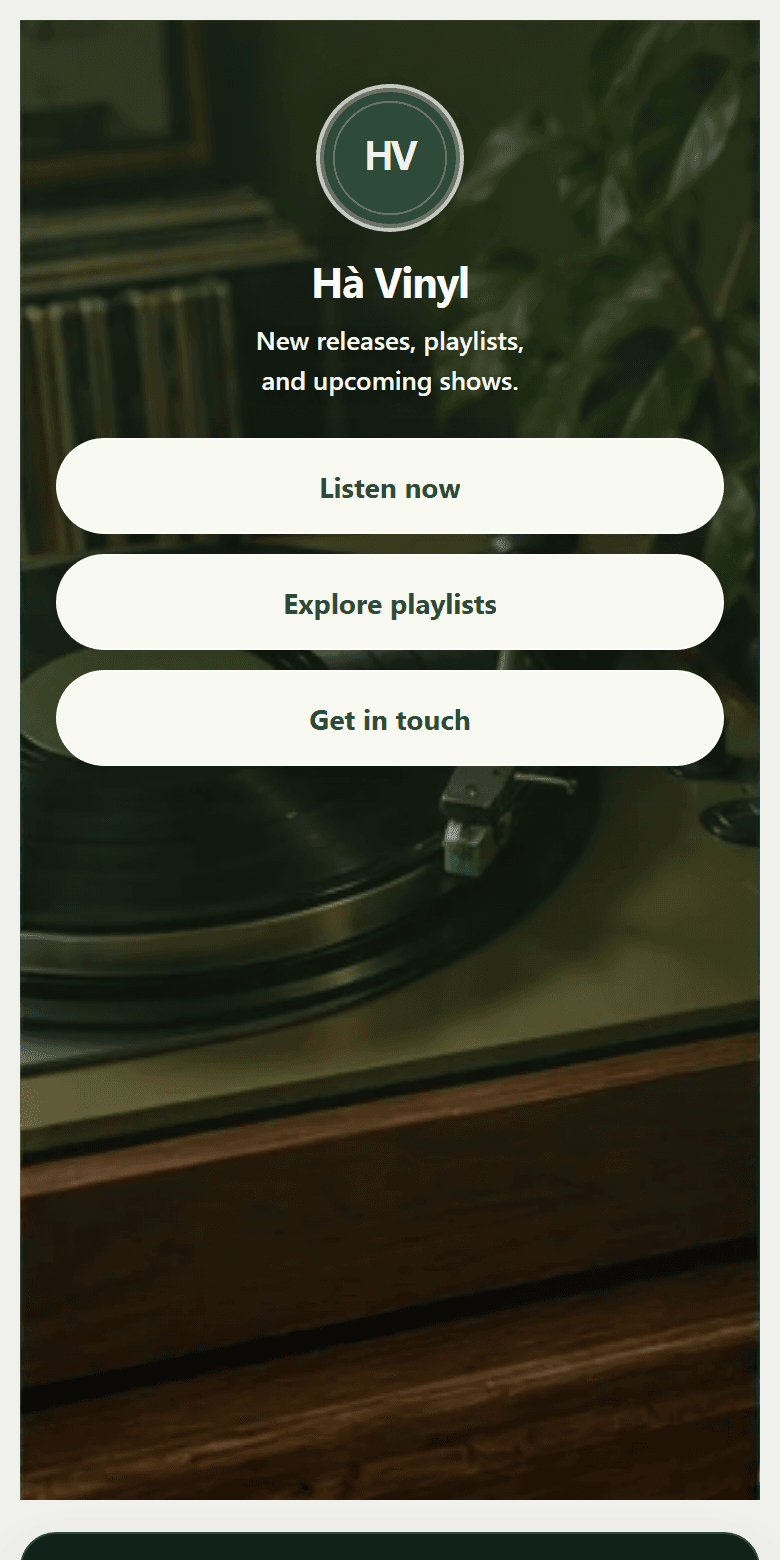
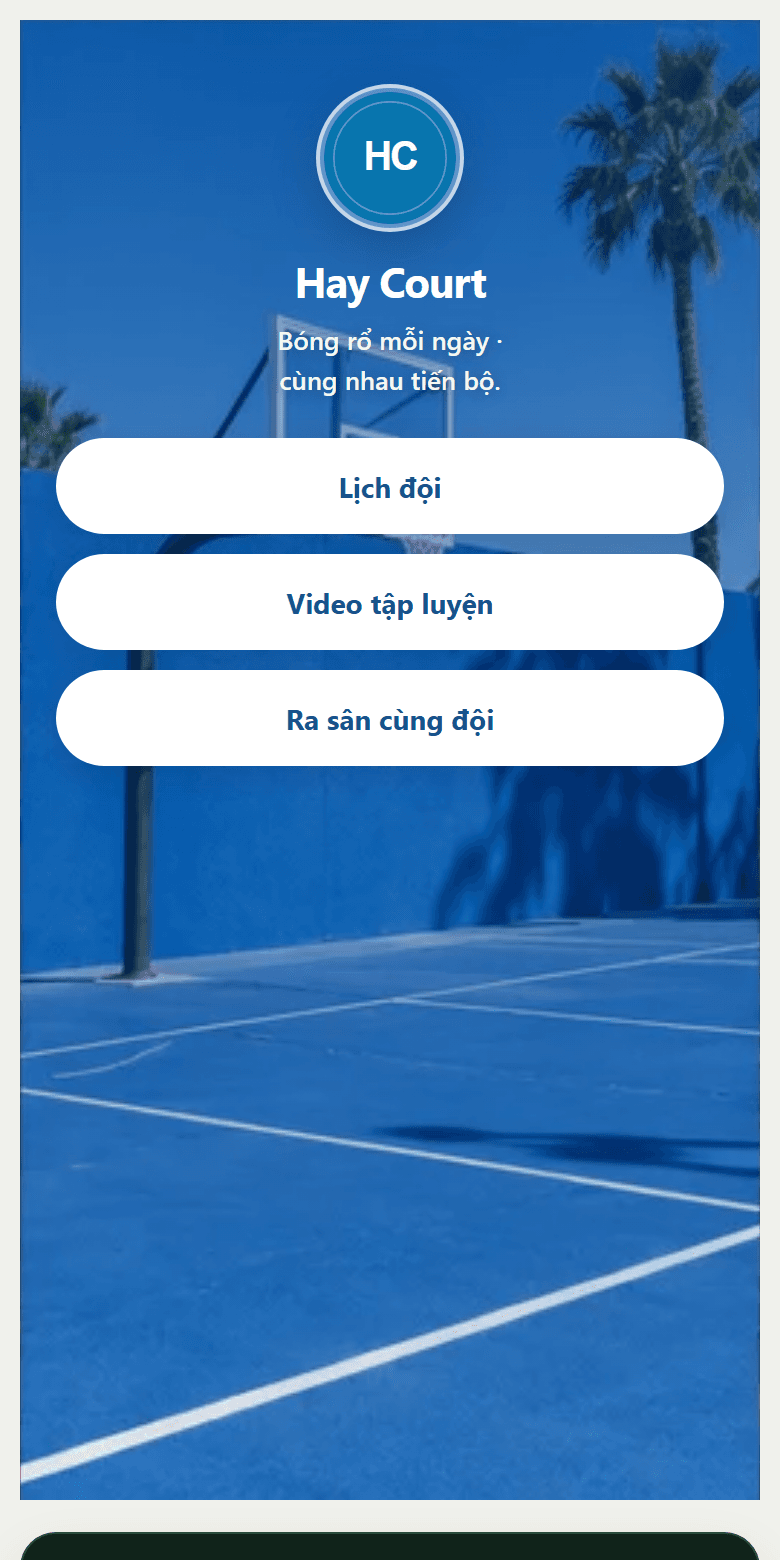
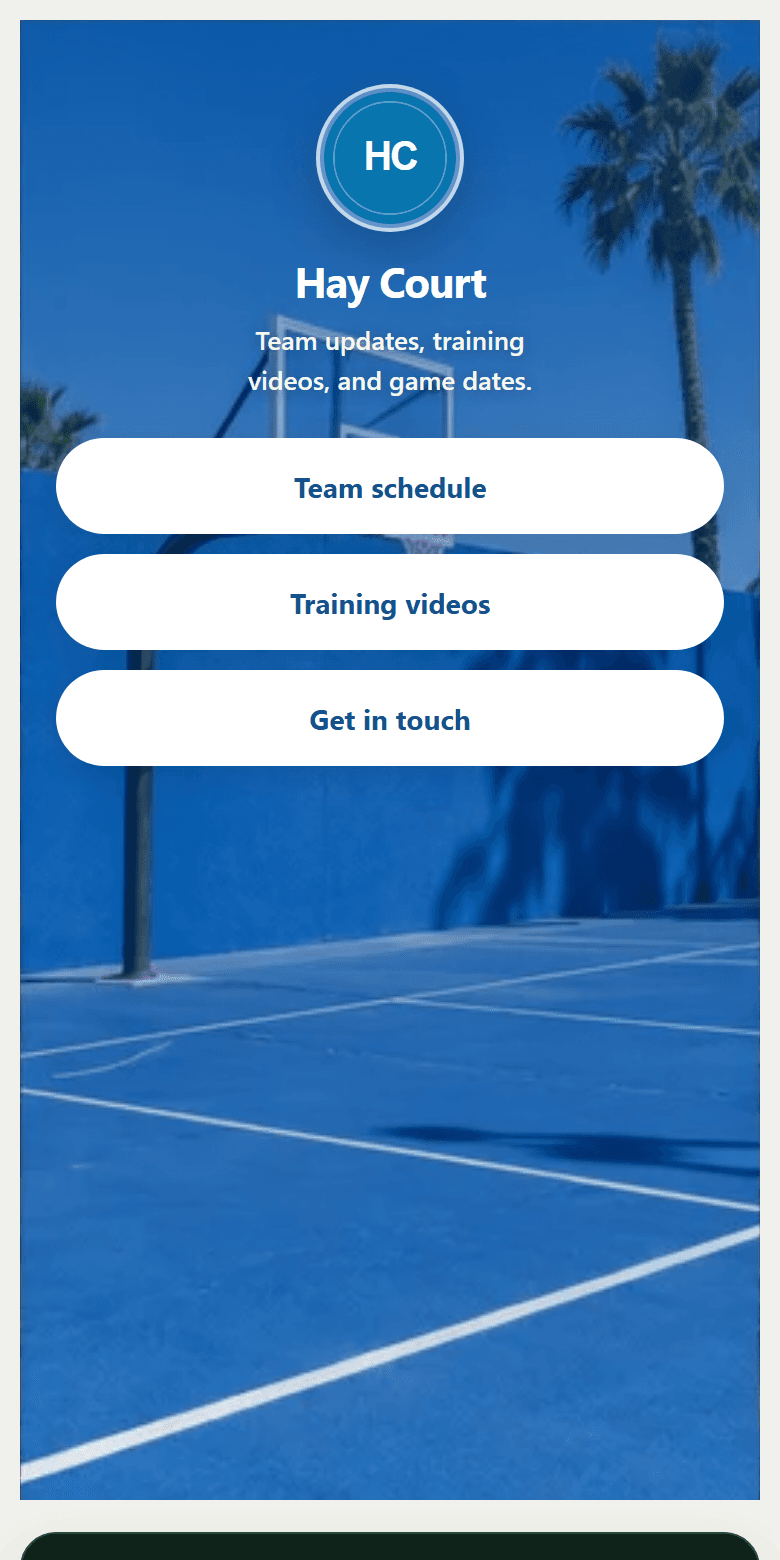
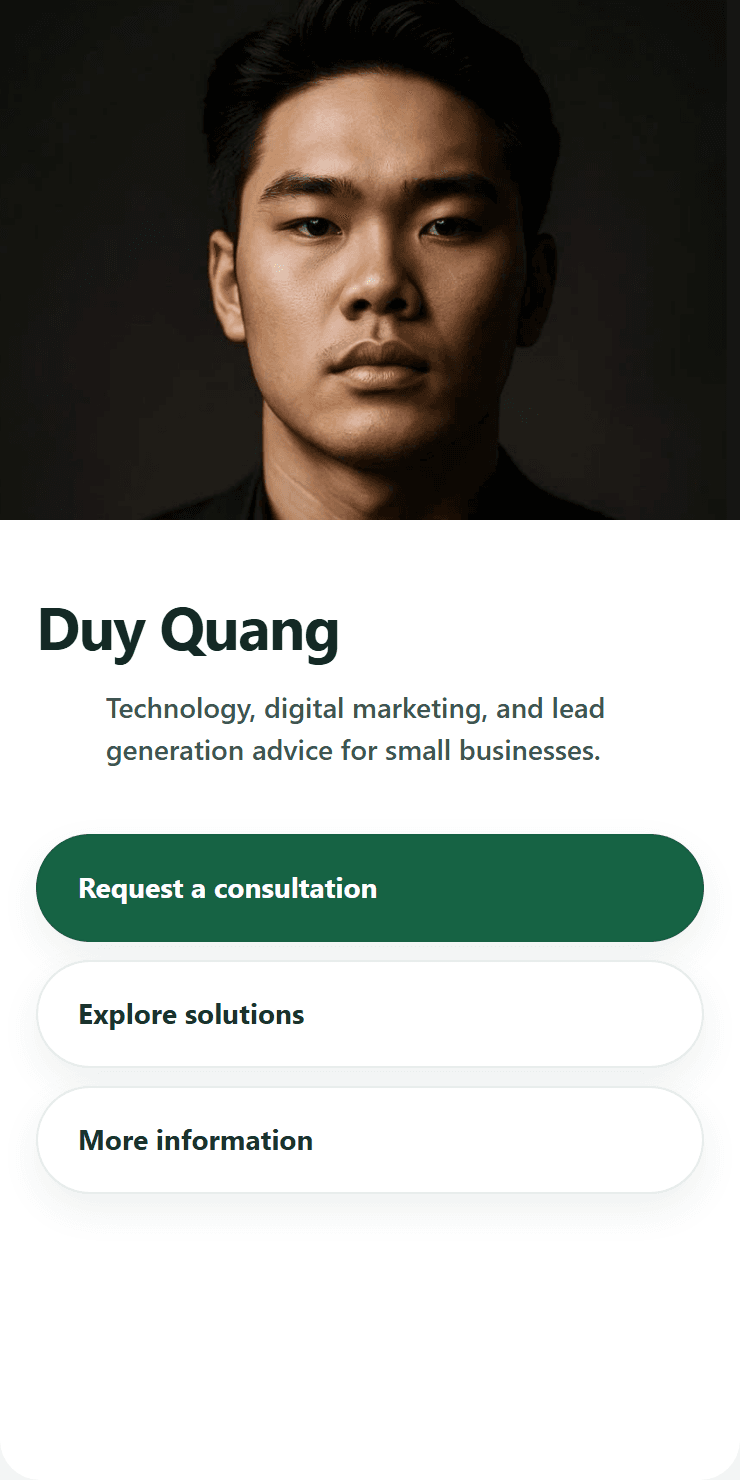
A starting point that fits you.
For independent sellers
Put your story, products, and contact details on one shareable page.
Explore these templatesSee every step. Know what to improve next.
The Insights dashboard tracks page views, CTA actions, and leads so you can see where visitors pause in the sales journey.
STOS is developing AI suggestions based on funnel data to improve content, CTAs, and traffic sources. This feature is not live yet.
Explore InsightsFrom an introduction to a conversation.
Put people and products first.
Update imagery, introduce yourself, arrange services, and choose a primary action. Visitors see what you do and how to reach you.
Explore Studio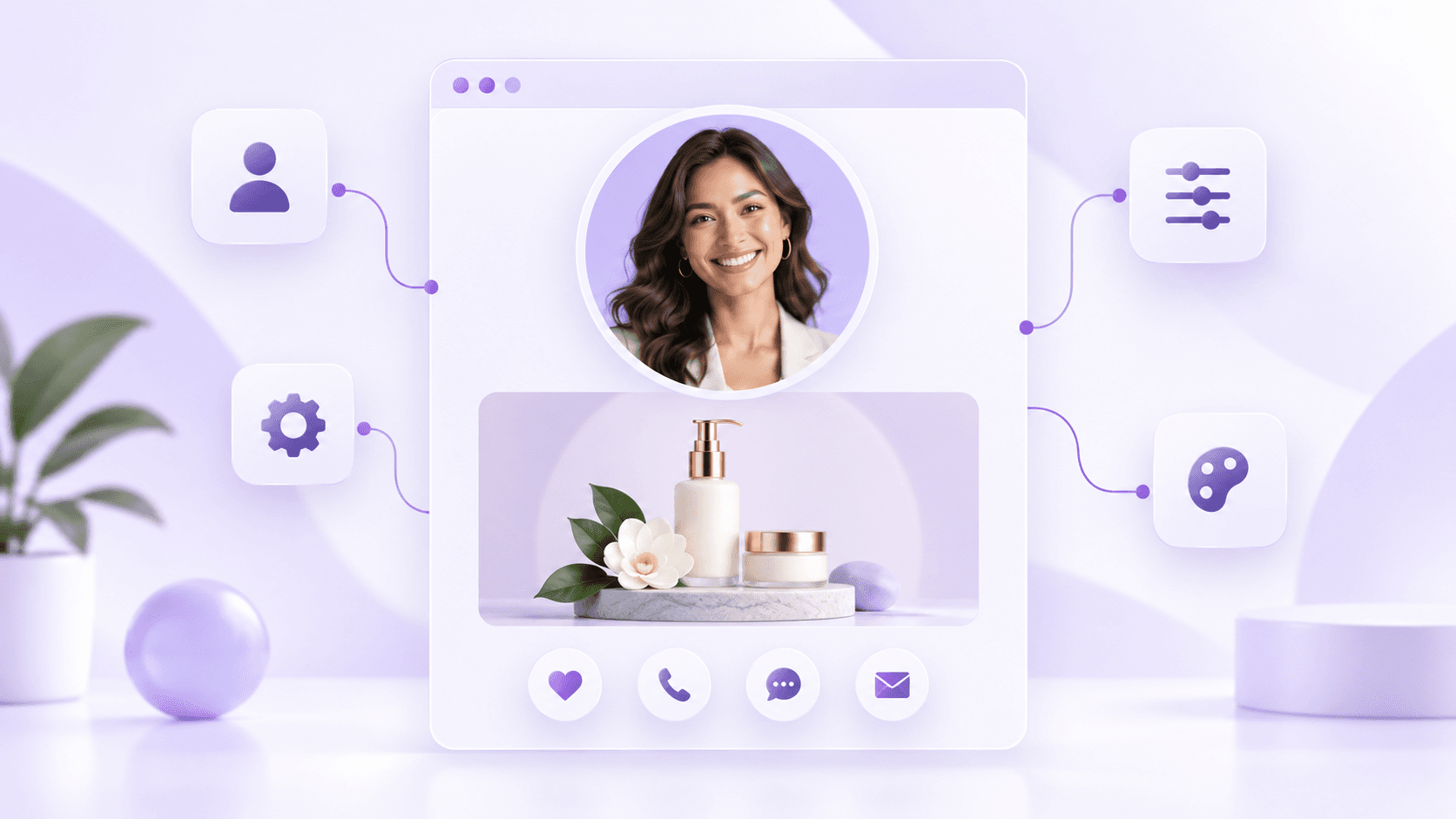
Know what visitors need and where they came from.
Your public form collects inquiries. In your workspace, Insights separates views, actions, and leads so you can track sources and next steps.
Explore Insights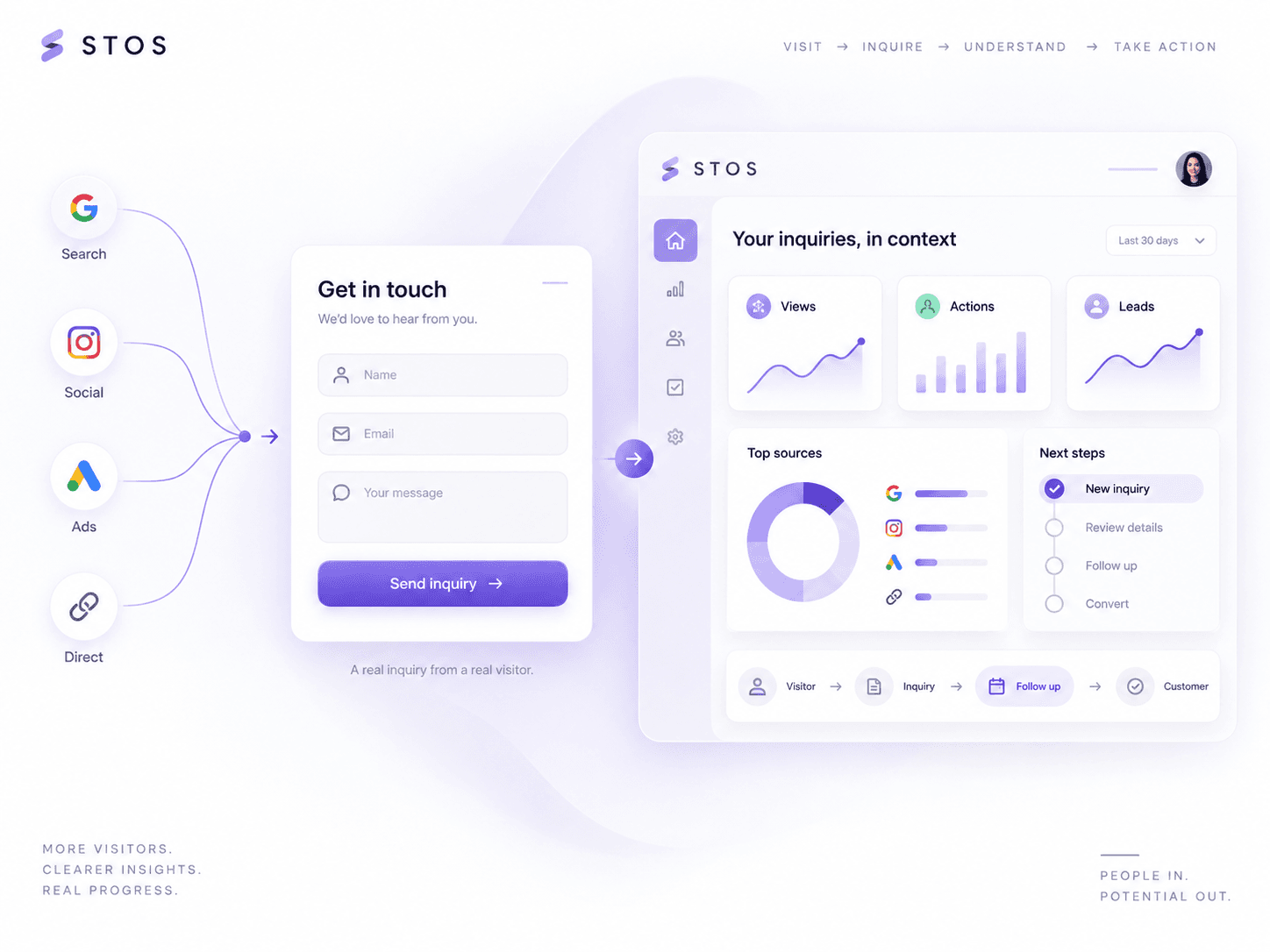
Build your first page your way.
Sign up
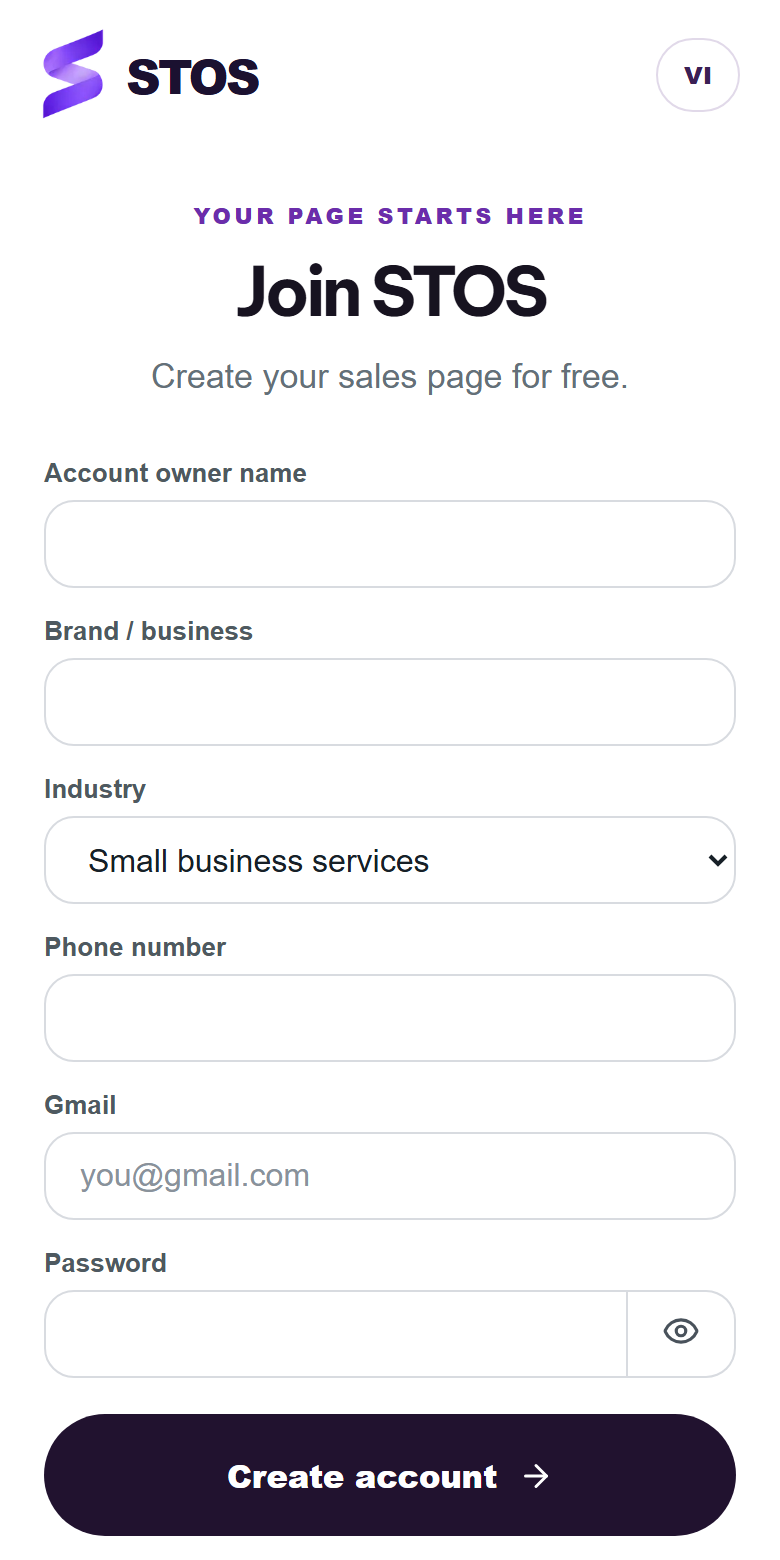
Add your name, brand, phone number, and Gmail on the STOS sign-up page. Then choose a template to get started.
Know what to expect before creating a workspace.
Will a template overwrite my content?
You can always preview first. When applying a template to an existing portfolio, STOS asks you to confirm before changing its structure and main design.
Does preview submit forms or record data?
No. Preview only demonstrates the layout; form interactions do not create leads or analytics events.
Can I change images, products, and links?
Yes. Profiles, media, social links, products, reviews, CTAs, and forms are editable in Studio with the appropriate account access.
Will I lose my selected template if I am not signed in?
STOS keeps your selection through the current sign-up or sign-in flow and returns to the template library after authentication.